
Find
Check actual connections.
Scan physical ports using Plant 3D connection topology.
Connection review / v1.0.3
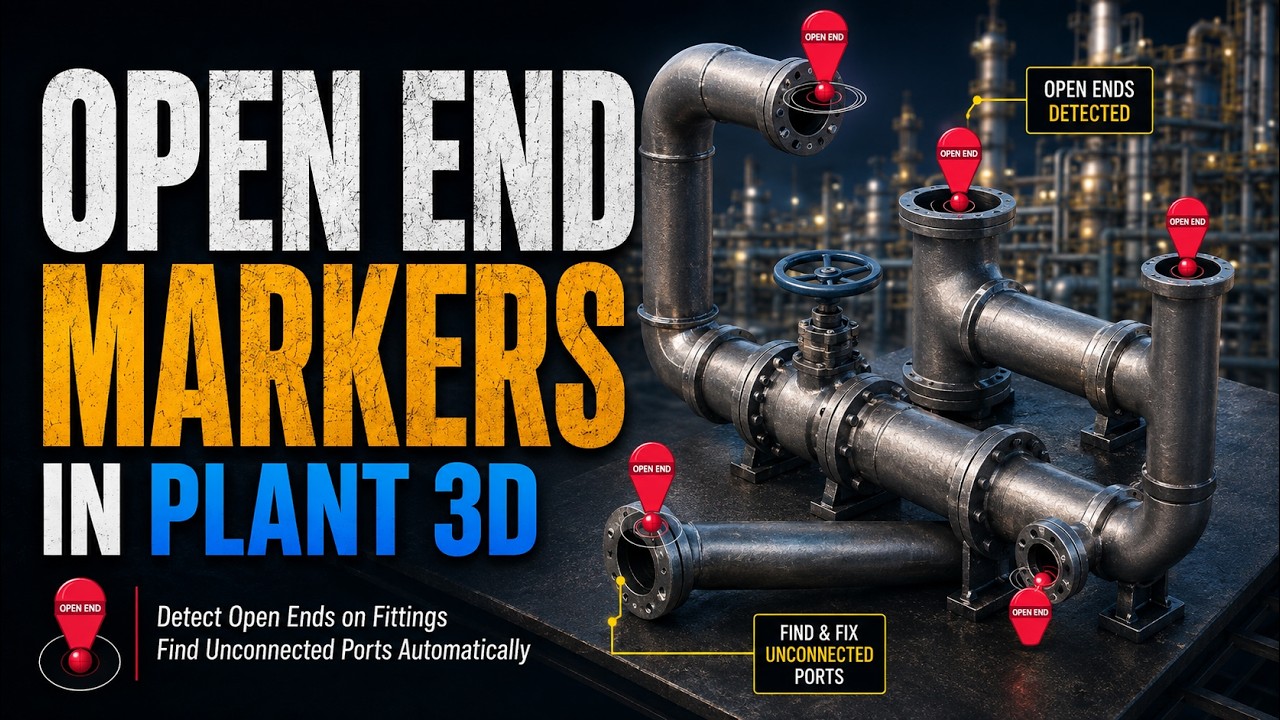
Find unconnected physical ports on supported pipes and inline assets, then mark their exact locations in your Plant 3D model.
one-time purchase · Single-user license
What it does
Find unconnected physical ports on supported pipes and inline assets, then mark their exact locations in your Plant 3D model.
Main commands
FINDOPENENDSFind and mark open physical ports.CLEAROPENENDMARKERSRemove generated markers.OPENENDMARKERSETTINGSChoose a marker colour and preview it.CDOPENENDLICENSEView the trial, activate a key or deactivate this PC.Find
Scan physical ports using Plant 3D connection topology.
Mark
Add configurable 3D markers on the non-plotting OPEN END layer.
Clear
Remove the generated markers with a dedicated command.
Getting started
Open the CD Open Ends tab in Plant 3D after installation.
For supported pipes and inline assets. An open port can be intentional; review each result against your design before making changes.
Installation, activation and answers to common questions.