
← All products

Nozzle labelling · Version 1.1.1

CD Design
Nozzle Tags

Create, update and remove clear nozzle-tag and nominal-size markers for supported Plant 3D equipment nozzles.

Built and verified for AutoCAD Plant 3D 2021 on Windows 64-bit.
Release statusPublic installer and checkout are not live yet.
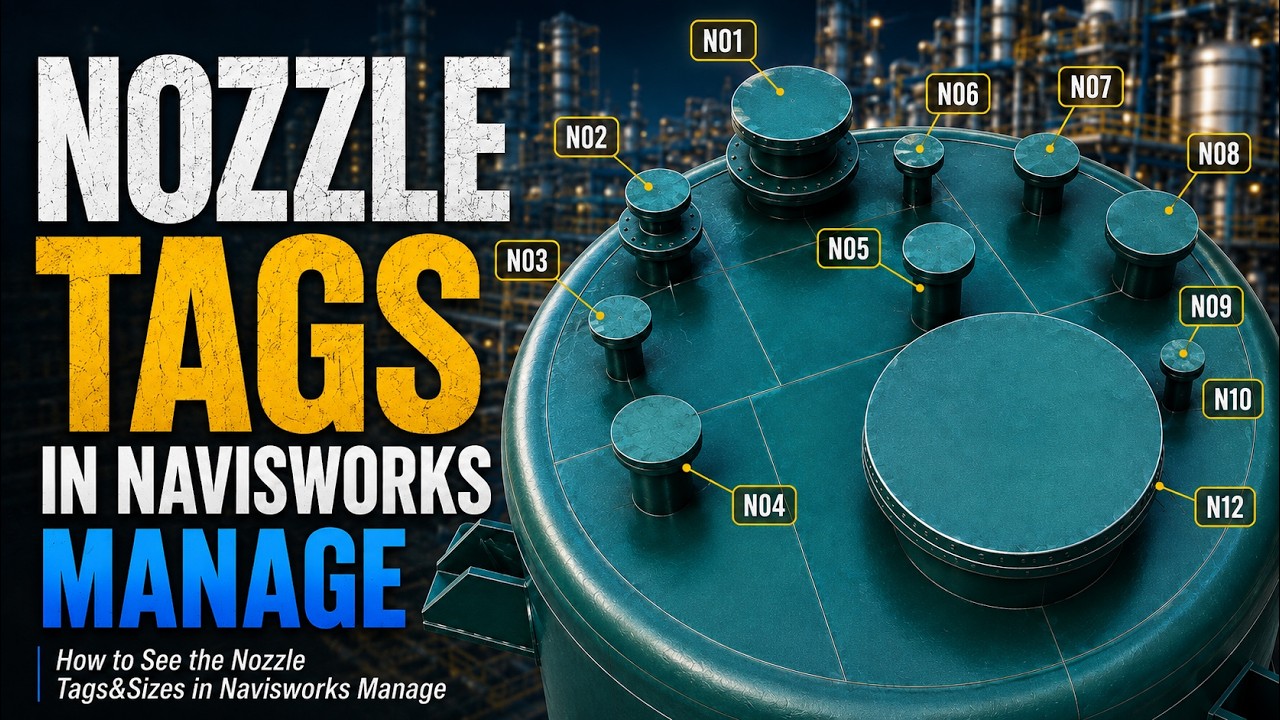
Plant 3D equipment with generated nozzle tags, viewed in Navisworks
Plant 3D model with generated nozzle tags, viewed in Navisworks. The plug-in runs in Plant 3D.

What it does

One clear workflow for nozzle labels.

The commands work with CD Design-generated marker geometry and leave a removal path available even after the trial ends.

AUTONOZZLETAGS

Create or update markers

Reads supported equipment nozzles and creates or refreshes their tag and nominal-size marker geometry.

PLACEMENT

Arrange readable labels

Uses a fixed flange distance and collision-aware angle placement to position labels around the equipment.

REMOVENOZZLETAGS

Remove generated markers

Removes CD Design-generated tag geometry. This command remains available after the trial expires.

See the result

Create and remove the tags.

This short illustrated before-and-after uses the product model view to show the result of creating and removing generated tags.

Plant 3D model before nozzle tags are generated
Illustrated before/after based on the supplied product screenshots; the commands run in Plant 3D.

Plant 3D interface

Commands where you expect them.

CD Design ribbon with nozzle tag controls
CD DESIGN ribbonShow or update tags, remove tags, view information and change text color.
Nozzle Tag Settings window with text color and preview
Text color settingsAutoCAD color selection with an immediate tag preview.

Trial and license

Try it for 14 days.
$9.99 once.

The installer includes a 14-day full-feature trial with no credit card required. After the trial, a license key is required to create or update tags.

The lifetime license means continuing use of this product under the current license terms. Compatibility with every future Autodesk or Windows release is not promised.

Product FAQ

License and removal details.

Is internet access required?

Internet access is required for activation and occasional license verification. An offline grace period follows a successful verification.

How do I move the license to another PC?

Use CDDEACTIVATE on the old computer before activating the license on a replacement PC whenever possible.

What happens when the trial expires?

Creating or updating tags requires a license key. REMOVENOZZLETAGS remains available so generated geometry can still be removed.

Can I buy or download it now?

Not yet. The public installer and Lemon Squeezy checkout will be connected only after the release package and live store are ready.

Autodesk, AutoCAD and Plant 3D are trademarks of Autodesk, Inc. CD Design is an independent developer and is not affiliated with or endorsed by Autodesk.